

Modern marketing depends on visual variety. A single product or idea may need a hero image, a social graphic, a thumbnail, a comparison visual, and a few ad variations. Producing all of that manually can be slow, especially for small teams.
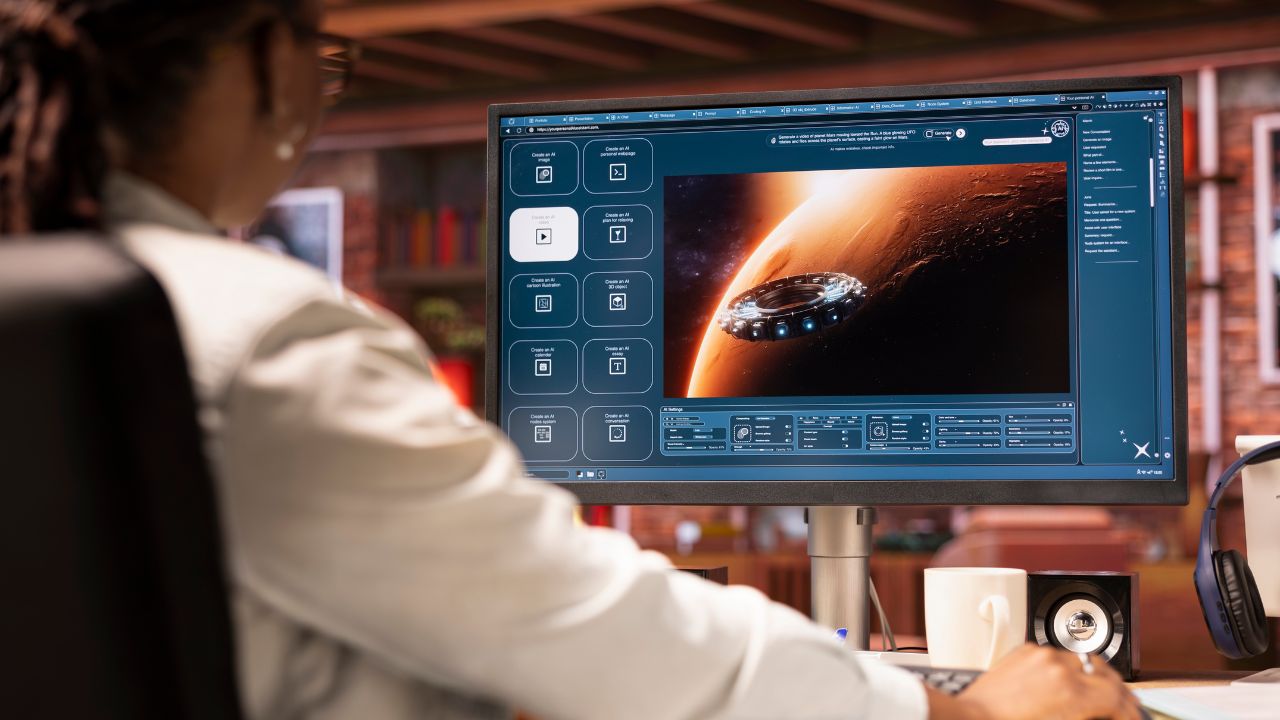
AI image editing gives teams a more practical way to create and refine visual options. Instead of starting from zero every time, creators can generate a base image, adjust it, and adapt it for different formats.
An independent Nano Banana 2 tool can support this kind of workflow by helping creators explore AI-powered image generation and editing patterns. The value is not just the first image. The value is the ability to keep improving an idea until it becomes useful.
Nano Banana 2 tool for product and social visuals
For product teams, this can speed up campaign planning. A product can be shown in multiple scenes before the team chooses the final direction. A plain object image might become a lifestyle visual, a clean ecommerce shot, or a more editorial graphic. Each version can be reviewed before the team invests in a full design pass.
For social media creators, AI editing helps with variation. A post may need different crops, moods, or backgrounds across platforms. Instead of recreating everything manually, creators can iterate on one direction and adapt it.
The strongest workflow is simple. First, define the goal of the image. Second, create several prompt-based options. Third, pick the version with the clearest message. Fourth, edit for accuracy, composition, and brand fit. Fifth, export only the assets that meet the quality bar.
This process prevents a common problem in AI content: too much output and not enough selection. More images are only useful if the creator can choose better ones. AI should help teams compare, refine, and decide.
AI image editing workflow for consistent content
Quality control remains important. Teams should check details such as hands, text, product shape, logos, lighting, and background consistency. They should also make sure the final image does not misrepresent the product or confuse the audience.
AI image editing is best understood as a creative assistant. It reduces repetitive work and makes experimentation cheaper, but the final judgment still belongs to the creator. Teams that build this habit can produce more useful visual tests without turning their brand into a collection of random generated images.
This workflow is also easier to document. Teams can keep a short record of the prompt, chosen variation, edits made, and final use case, which helps future campaigns stay consistent instead of repeating the same trial-and-error process. Documentation does not need to be complicated. A simple note about what worked, what failed, and which visual style performed best is enough to improve the next project. Over several campaigns, those notes become a practical guide for creating product images, blog visuals, ad variations, and social graphics with less wasted effort.
This also makes the post safer as a guest article because the core advice is process-driven. It gives readers a clear editing workflow, quality checks, and realistic expectations, while the linked page appears as one relevant example inside that discussion.